


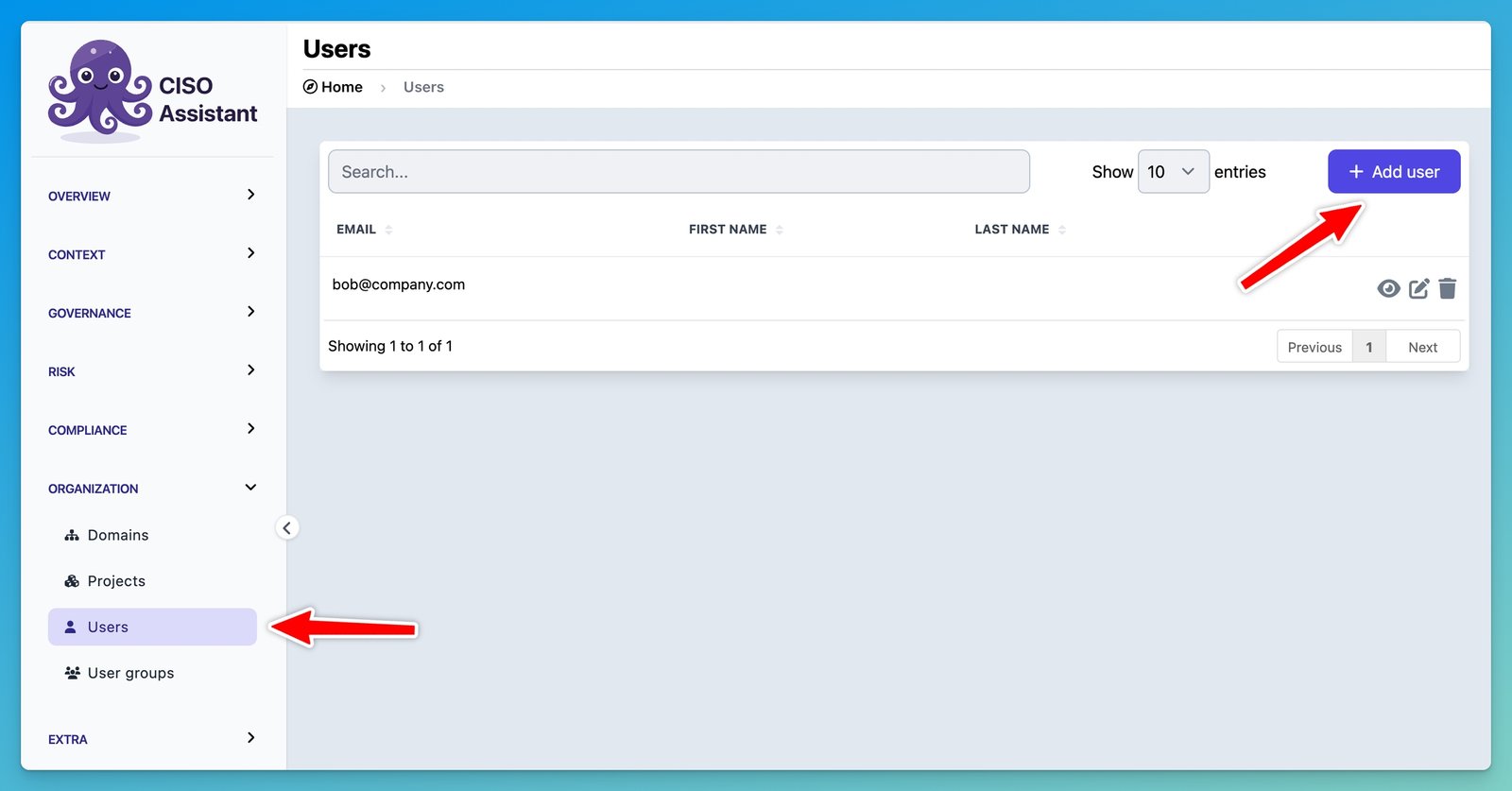
Under Organization, click on Users and then Add user:
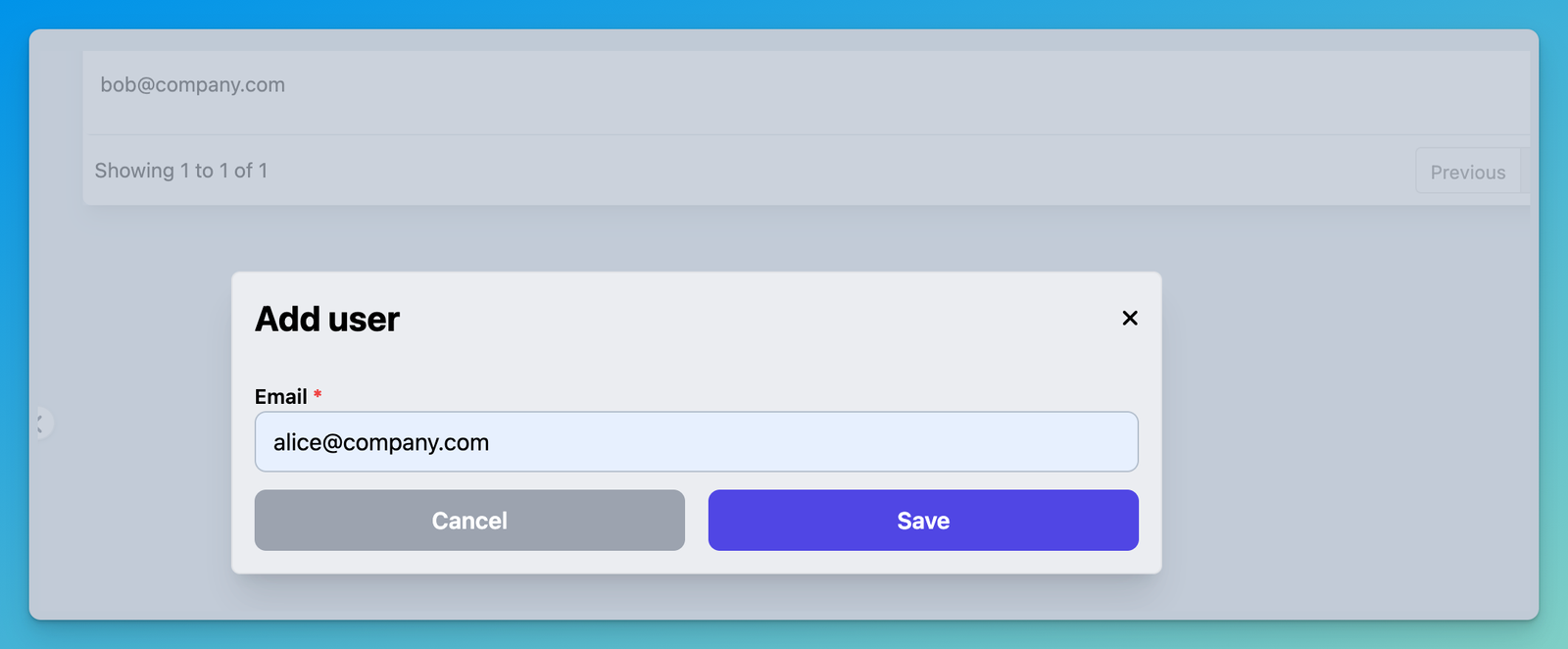
Set up the email of the new user:
Once created, a new user doesn’t have any permissions by default. Click edit and update the user groups:

If you are working on a single domain, or working on solo, you might just set `Global – Administrator`
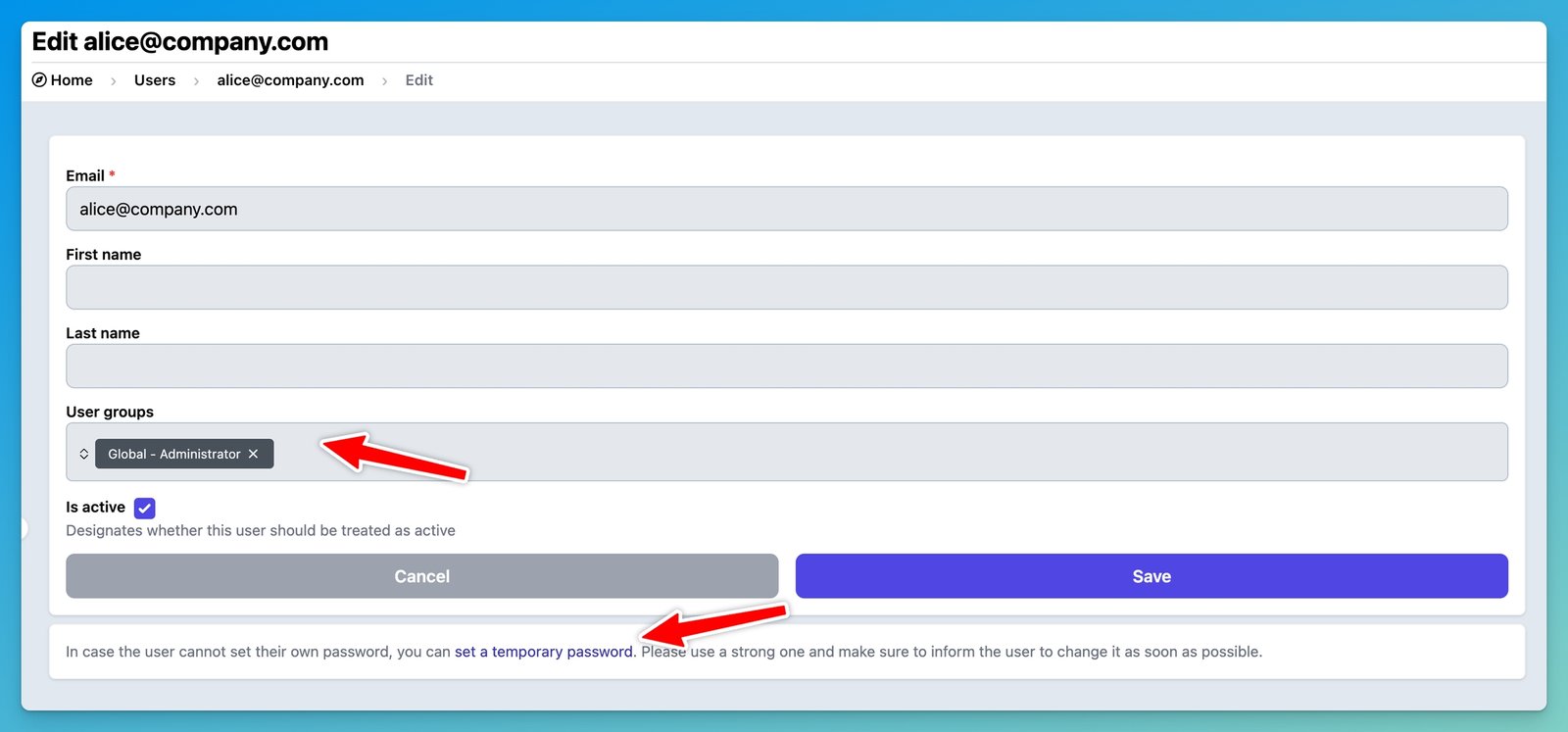
When the user are added, and if the mailer is set, he/she will receive an email to set up the password. If not, you can set a temporary password as illustrated above.


